
Moving to the Cloud: Egnyte’s Staged Approach for Architecture Firms
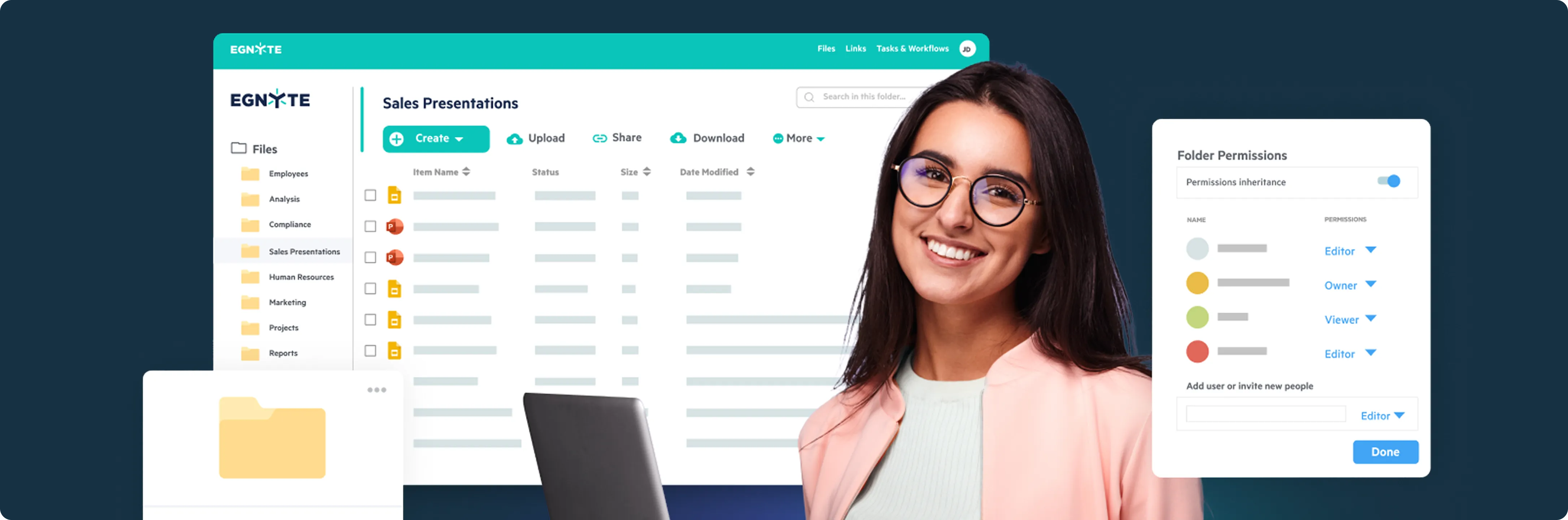
The architecture, engineering, and construction (AEC) space is in the midst of a technological revolution. Projects continue to expand and expand in scale, design files continue to get larger and heavier, and teams aren't located in the same office anymore—briefly put, they're all over cities, countries, and time zones. Yet customers demand faster time-to-market, real-time information, and seamless collaboration. Siloed file systems and legacy on-prem servers just won't do.
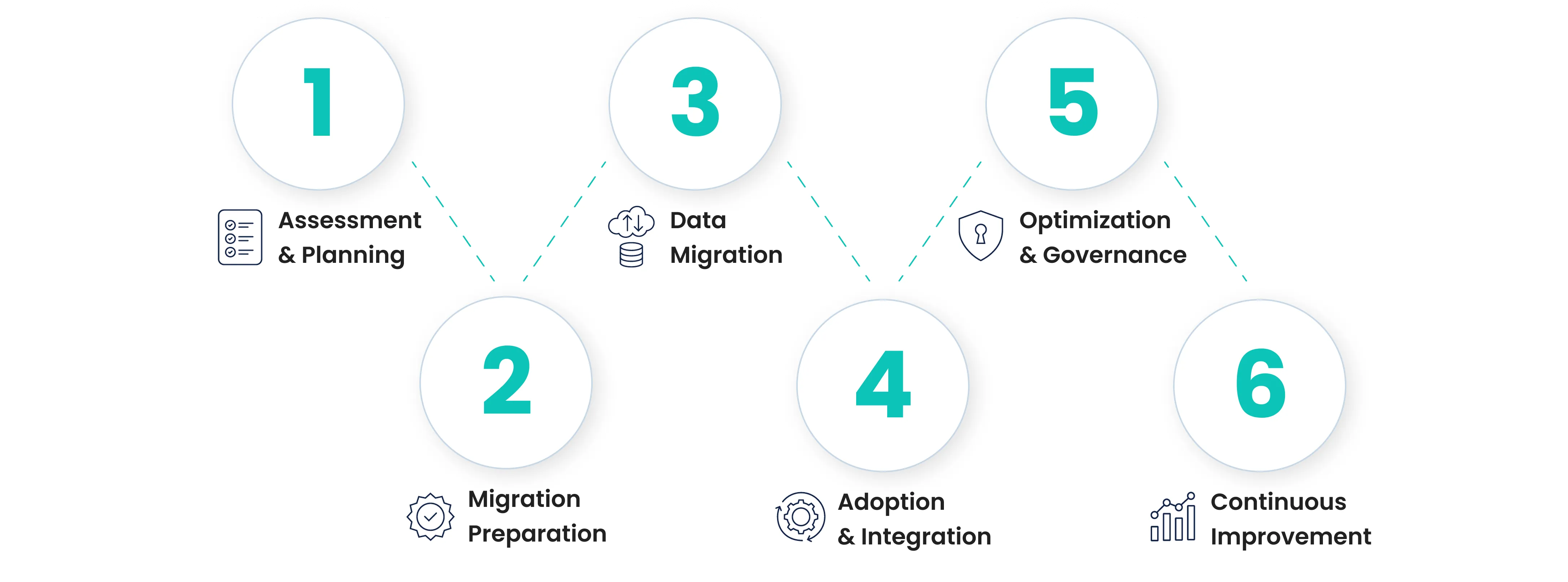
That’s where the cloud comes in. Larger than a storage offering, the cloud is an entirely new platform upon which AEC firms will design, work together on, and deliver projects. Moving to the cloud can be a daunting prospect without a solid plan. To assist, Egnyte has defined a six-step "Architecture Cloud Journey" that leads firms from initial assessment through ongoing refinement.
Here, we will guide you through these six stages and demonstrate how each step will move your firm in a direction of wiser, safer, and more interconnected methods of working.
Stage 1: Assessment & Planning
Every successful cloud migration starts with a solid plan. This phase is all about stepping back to look at your current IT landscape, understanding what's holding you back, and figuring out what you'd like to achieve.- Many architecture practices run into the same pain points.low file access from outdated systems
- Painful collaboration between teams, and
- Costly maintenance of on-premises servers.
"A successful cloud migration begins with setting clear operational goals."
Stage 2: Migration Preparation
After determining your goals, it is now time to bring that vision to life through a customized migration plan. For architecture firms, this section is all about getting your data and people ready for that move.This step is often a challenge of coordinating a mountain of design files, securing project data safely, and getting teams onboard with switching file management location without a glitch. A strong plan starts with a good data strategy. First, make it clear which files to migrate —usually high-impact design models, active project folders, and resources regularly shared among consultants. Second, use the transition as an opportunity to clean house by archiving older files and simplifying folder hierarchies so your digital environment reflects how your teams really work.
Security is also an issue. Client information, BIM models, and private drawings must be secured with strenuous access controls, encryption, and compliance-ready systems. And finally, the cultural side of migration is critical to success. Train employees well and give them early wins. Going live in manageable phases makes adoption easier and demonstrates that your data and your staff can thrive in the cloud.
"Successful migration isn’t just technical—it’s cultural. Equip your teams with the training, communication, and support to embrace new tools and workflows."
Stage 3: Data Migration
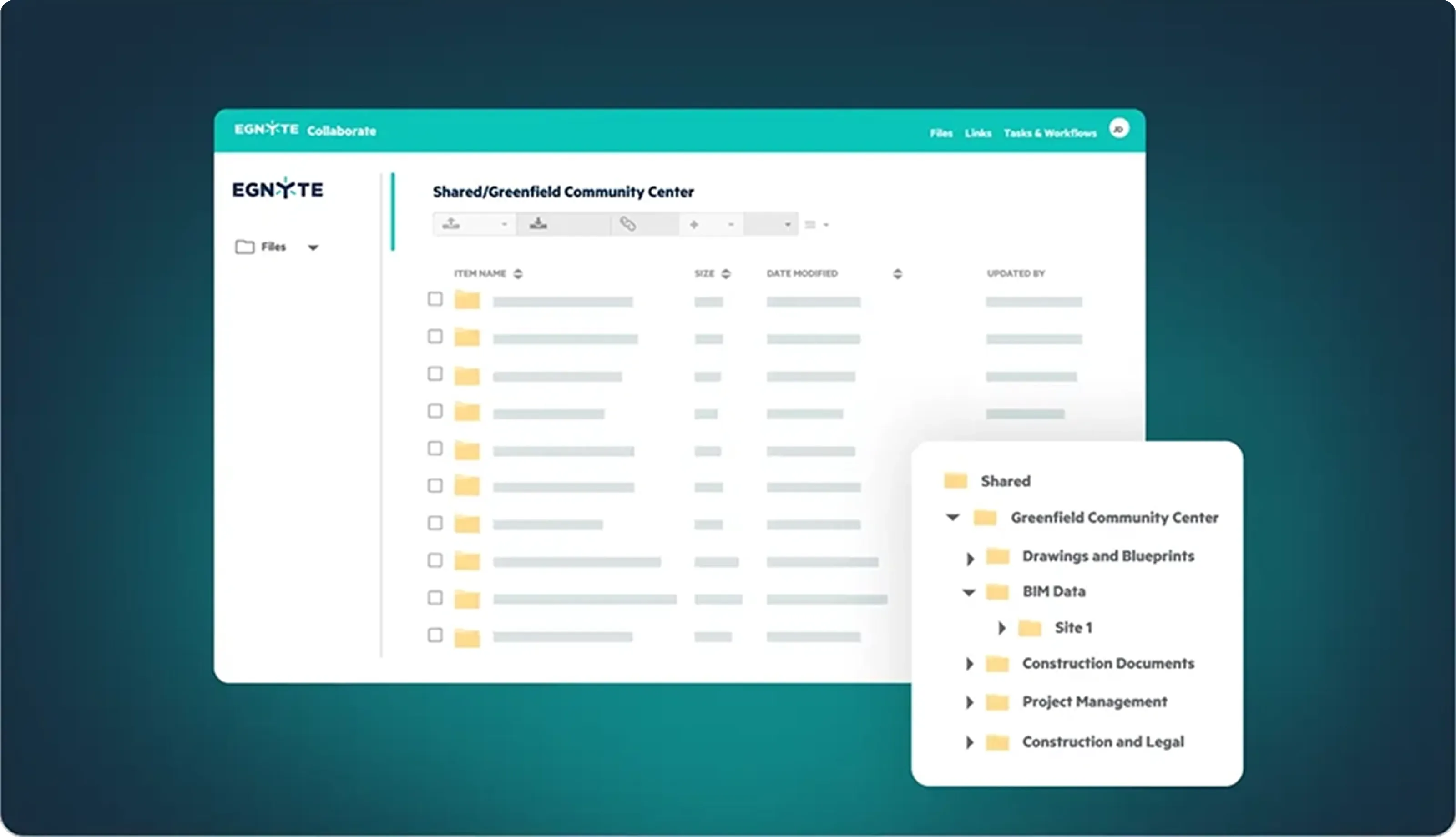
You now have a plan, so it is time to move your company's data into the cloud. This step is intimidating when faced with large files, private data, and live co-workers. Migration is something that you have to approach like a construction project—every step is planned out and checked twice.Begin by using safe migration tools that have been designed to operate within architecture and engineering workflows. They move huge CAD files, BIM models, and hi-res renderings safely to the cloud without losing folder structures, permissions, and version histories. When finished moving data, it’s time to confirm data integrity—perform checks, authenticate access rights, and confirm integration of your project management or design tools is functioning smoothly.
Real-time monitoring as part of migration is critical. Alerts and dashboards allow you to identify bottlenecks or access problems before it affects active work. Treating migration as both technical and strategic work ensures the security of your assets as well as providing the basis for speedier collaboration, robust disaster recovery, and cloud-ready infrastructure for future innovations.
"In today’s fast-evolving digital environment, an effective data migration strategy is more than a technology shift—it’s a strategic investment in your firm's agility and competitiveness."
Stage 4: Cloud Adoption & Integration
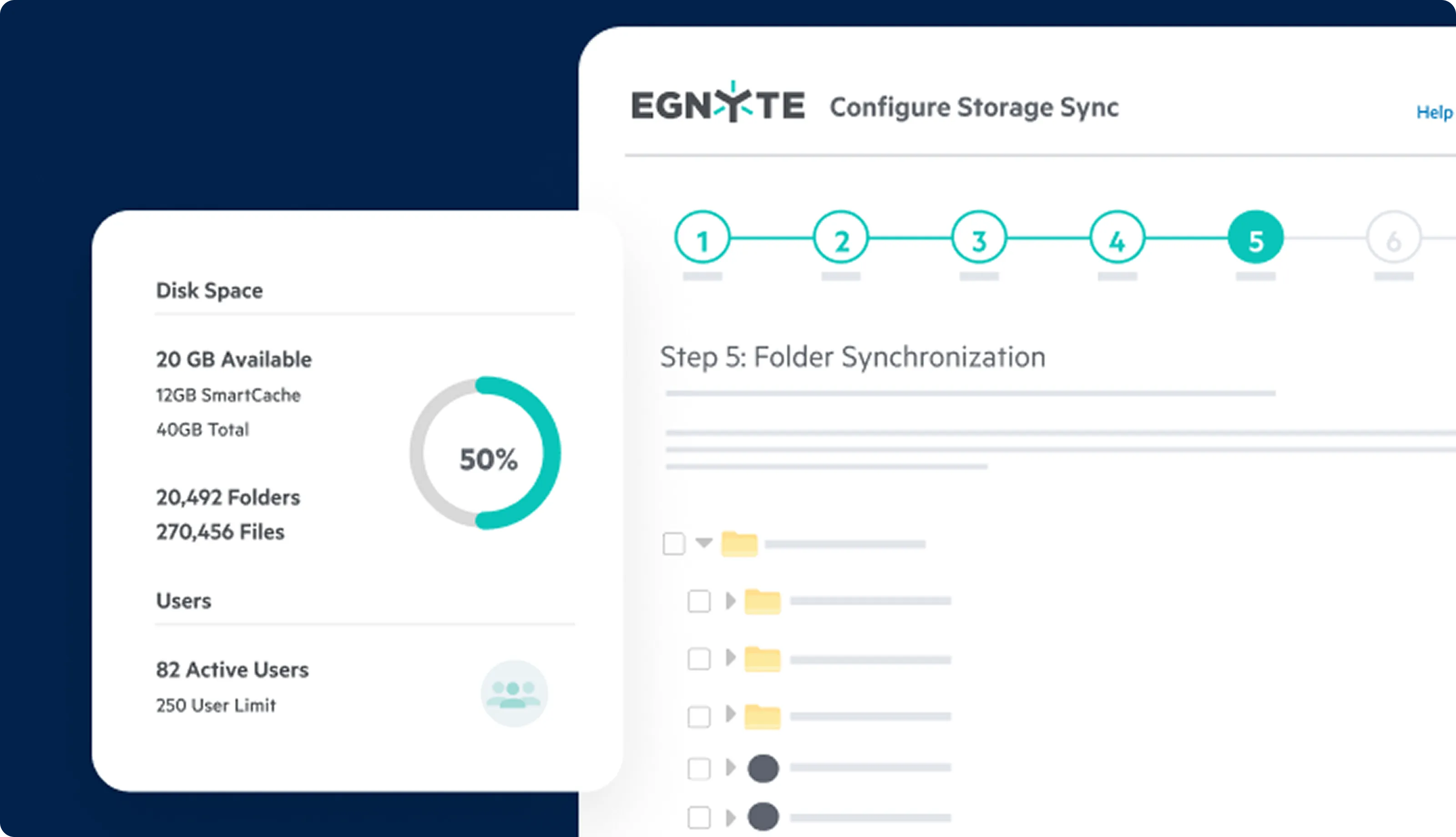
Migration may feel like the heaviest lift, but once your data is in the cloud, real work starts to happen—integrating cloud technology into your firm's daily flow of work. This phase is about something more than storing it; it's about giving your teams secure, efficient, and integrated workflows that work organically into how your architects, engineers, and project managers already work together.Onboarding is the first step. Every role—architects working in Revit or AutoCAD, project managers scheduling, administrators processing paperwork—calls for training that back maps to their everyday tasks. Simple instruction and timely support reduce resistance and enable uptake.
Then comes integration. Integrating your cloud platform with the tools you already rely on, like BIM 360, Bluebeam, or client communication systems, eliminates silos and provides real-time insights across projects.
And last, automation. Automating tasks like syncing files, version management, or photo uploads frees up your teams' time to focus on design. Through products such as Egnyte, automation helps people work from the most up-to-date information, reducing errors, saving hours, and keeping projects on track.
"A well-executed migration and adoption strategy gives your team immediate access to secure, organized project data—from the office, field, or home."

Stage 5: Optimization & Governance
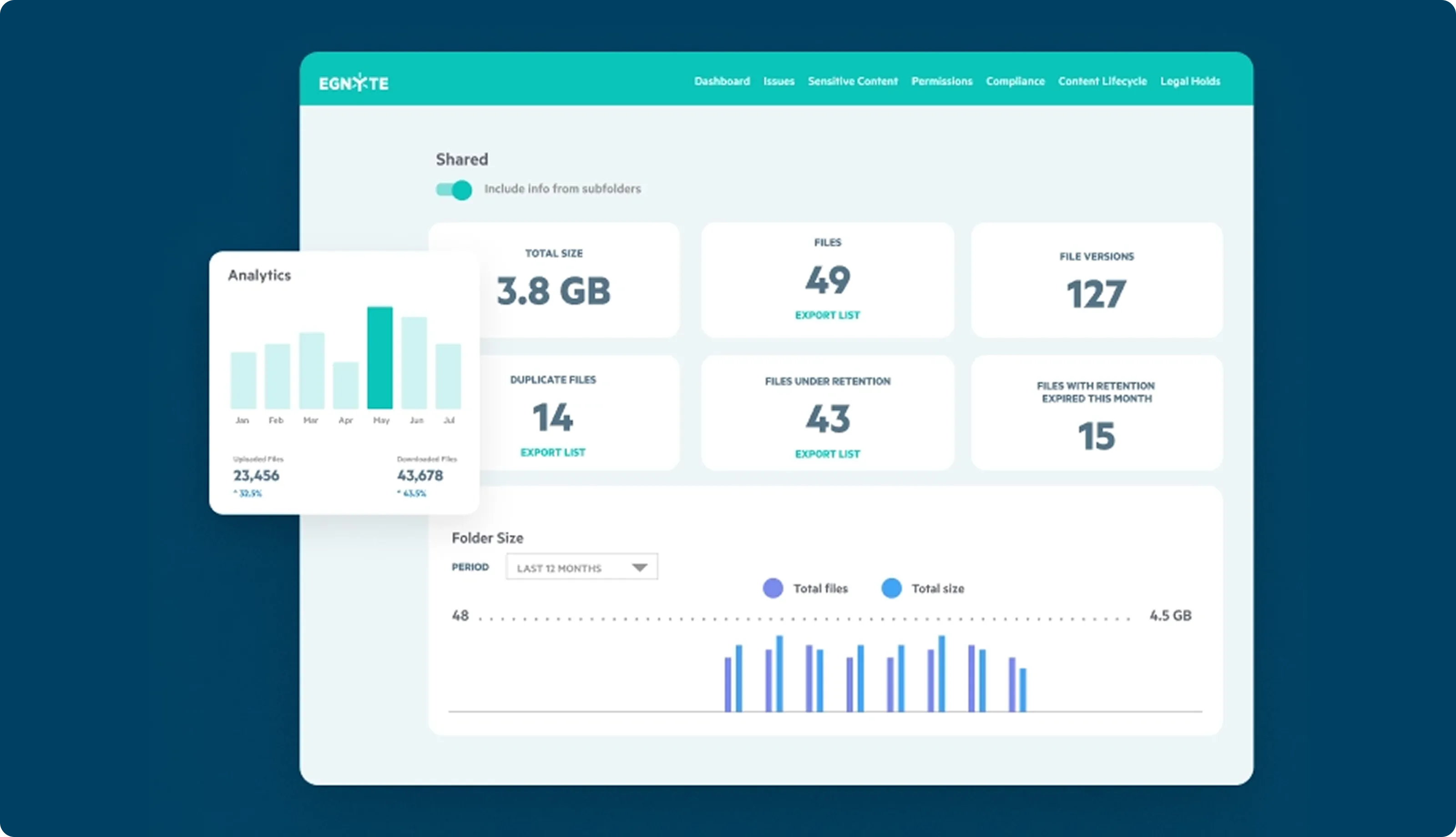
Now that your firm's information is in the cloud, it's time to shift from migration and automation to management. This phase is all about ensuring that your cloud environment is running efficiently, reliably, and completely in accordance with industry regulations—making your investment a long-term benefit. All too many firms do adoption and neglect to refine their systems, creating higher cost structures, less efficient processes, and even compliance issues.The solution lies in continuous monitoring. Keep track of cloud use and performance so you know where resources are bottlenecked—or going to waste—so you can scale smart. Keep costs in check through regular storage audits and tiering: maintain active BIM models in performance storage but archive older files in less expensive tiers.
Governance holds it all together. Well-defined access, compliance, and security policies safeguard sensitive designs and client information without hindering workflows. Optimization and governance correctly empower the cloud as an economical, secure platform for accelerating project delivery and positioning your firm for new capabilities such as AI-powered design.
"Effective optimization and governance transform your cloud from a passive storage system into a powerful business asset."
Stage 6: Continuous Improvement
The final stage is about momentum. Your business is comfortable in the cloud, now the challenge becomes staying ahead—scale with projects, workflows, and technology.Without a culture of improvement, businesses stand the risk of stagnation: outmoded configurations, missed chances to use data in different ways, or falling behind on fresh tools. Improvement on a regular basis keeps the cloud from becoming static and turns it into an innovation platform.
This involves checking your architecture regularly to make sure it stays in line with prevailing workflows and project delivery needs. It involves soliciting input from workers—through purposeful input meetings, surveys, workshops, or pilot projects—to uncover pain points and guide enhancements. Don't forget to remain curious too. Assign someone passionate about organization to track new trends in cloud computing and AI copilots that, for instance, can summarize meetings or point out project bottlenecks.
Done correctly, continuous improvement unlocks efficiency in the way of automation, smarter design choices with predictive analytics, and enhanced security with fresh protocols more often. Most critical, though, it future-proofs your practice and positions you to lead in a more digital, client-driven AEC future.
"Continuous improvement ensures your cloud investment keeps pace with firm growth and industry change."
Conclusion
The cloud journey is not just about moving files to a different location. It's about transforming AEC businesses to design, to collaborate, and to deliver projects differently. By adopting these six steps, ranging from Assessment to continuous improvement, architecture businesses can make the cloud more than just a repository. It becomes an accelerator of better collaboration, better protection, and sustainable innovation.In an industry where the pace of change quickens on a daily basis, cloud migration empowers organizations to stay agile, competitive, and future-proof. Through the right approach, teams avoid the IT migraines and get on with the vital stuff: creating designs that ignite and deliver true value to customers.
Ready to Take Your Cloud Strategy Further?
Moving from planning to optimization doesn’t have to be complicated. Egnyte gives your team the tools to streamline collaboration, secure your data, and stay ahead in the evolving AEC industry.
Recent Articles
Learn about the latest architecture software, engineering automation tools, & construction technologies